

Discord: add the MEE6 bot – a tutorial

The MEE6 bot provides practical features for facilitated moderation for busy servers and channels on Discord. MEE6 can be used to create commands, greet users, set up search functions, play music, or integrate YouTube and Twitch.
Try out your VPS for 30 days. If you're not satisfied, we'll fully reimburse you.
Quick tutorial: set up the Discord MEE6 bot
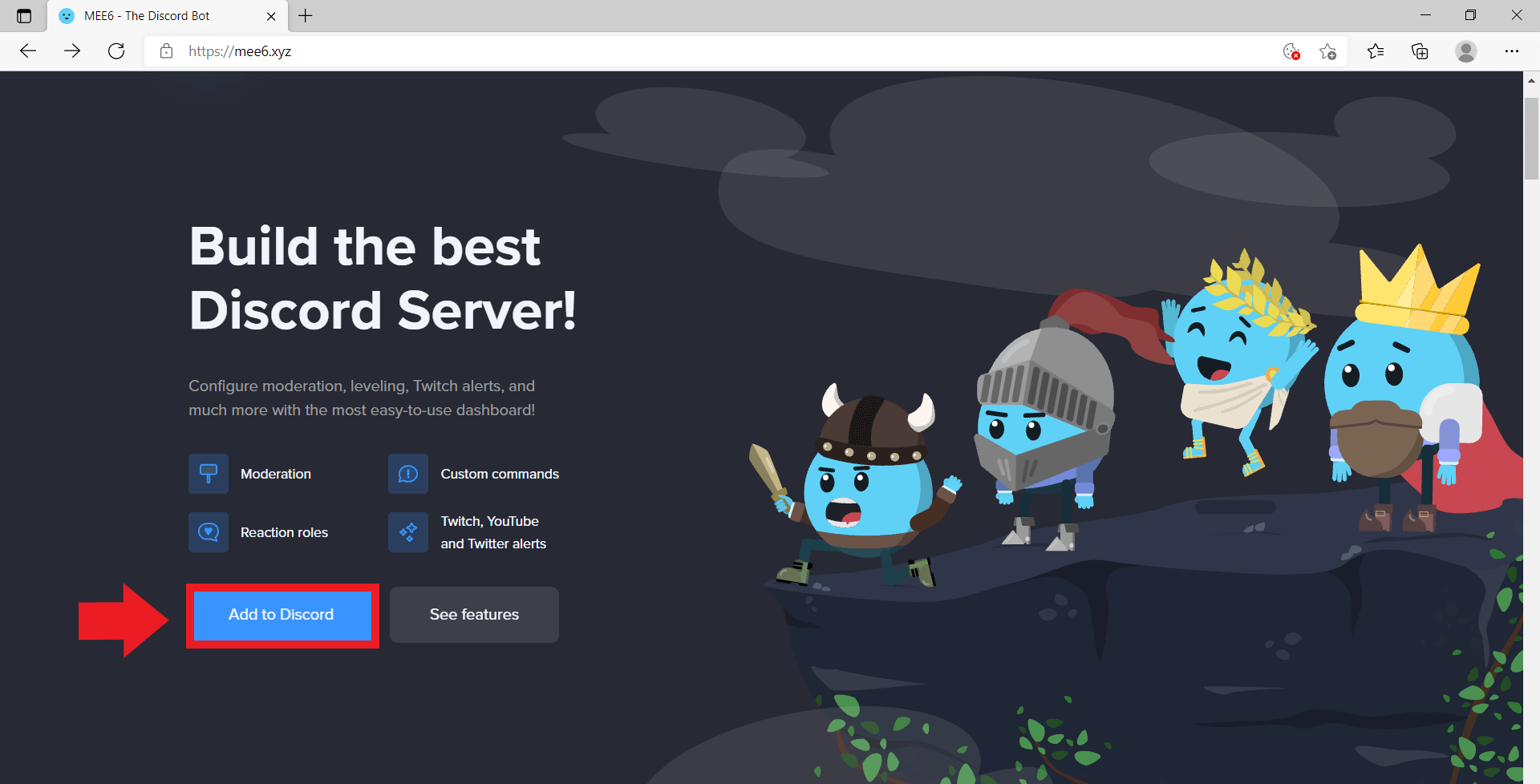
- Access the MEE6 website.
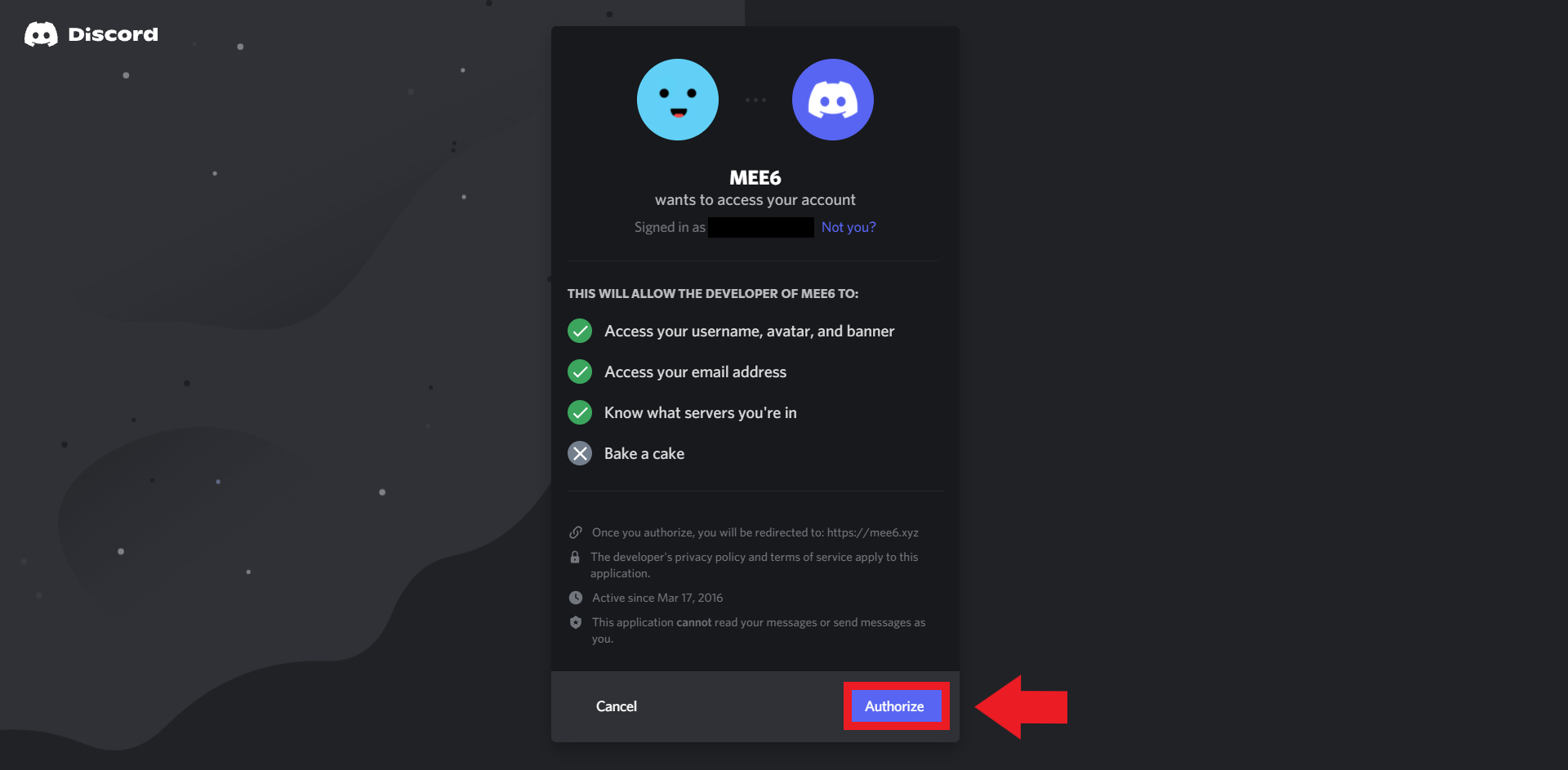
- Click ‘Add to Discord’ and confirm the MEE6 required permissions in the server.
- The MEE6 bot will be added to the Discord server and can be customised as necessary.
What is a MEE6 bot?
The MEE6 chat and moderation bot is one of the most popular and useful Discord bots for servers and communities. Users can manage numerous server functions and create rules for visitors and spam to keep their Discord server clear and safe. The bot is particularly handy if your Discord server has many different channels making it harder to keep an overview of visitor traffic. With MEE6, you can set up commands, assign levels to members depending on their participation, or inform them of upcoming events. MEE6 is popular because of its versatile music functions for playing and saving songs and playlists.
What functions does MEE6 provide?
Many MEE6 plugin functions are available free of charge and can be used immediately after adding the bot. Some functions, on the other hand, are only available through a paid subscription. Generally, the free version covers the most important moderator features that the majority of Discord users need.
Among the free MEE6 features are:
- Custom Commands: Create custom bot commands to assign different roles to members and send automatic messages or announcements.
- Levels: Members of your Discord server can reach levels that can be publicly presented or rewarded depending on their user behaviour.
- Music: Using various bot commands, users can play music, skip songs, create playlists, or vote up songs.
- Welcome: MEE6 automatically greets new members with a special message.
- Moderation: Automated moderation features filter spam and profanities, and remove or ban users who violate rules.
- Record: Users can record and play back voice recordings.
- Search Anything: The search function lets users find terms, videos, or files on other platforms or search engines.
- Help: In case of questions and problems, users can resort to the help function.
Not a fan of Discord and prefer an alternative? Create your own Mumble server for voice chats. Mumble is a free voice conferencing software popular with the gaming community.
MEE6 bot commands
MEE6 includes several bot commands to manage Discord server operations and user behaviour automatically.
| Bot Command | Function |
|---|---|
| !ban | Permanently excludes select members from the server for rule violations |
| !tempban | Excludes members from the server for a limited time only |
| !kick | Removes users from the server without blocking them |
| !mute | Mutes select members |
| !unmute | Unmutes select members |
| !tempmute | Mutes select members for a limited time |
| !clear | Deletes all messages on a channel |
| !role-info | Extracts information about specific roles |
| !user-info | Provides information about a user |
| !server-info | Provides information about the current Discord server |
| !infractions | Provides an overview of the rule violations of a select user |
| !slowmode | Limits the number of messages and content appearing in a channel (e.g., by limiting the waiting time between messages from users). |
| !unban | Cancels the exclusion of a user from the server again |
| !warn | Sends warnings to specific members |
Add MEE6 bot to your Discord server
The MEE6 bot can be added to your Discord server in just a few steps.
Schritt 1: Access the MEE6 website.
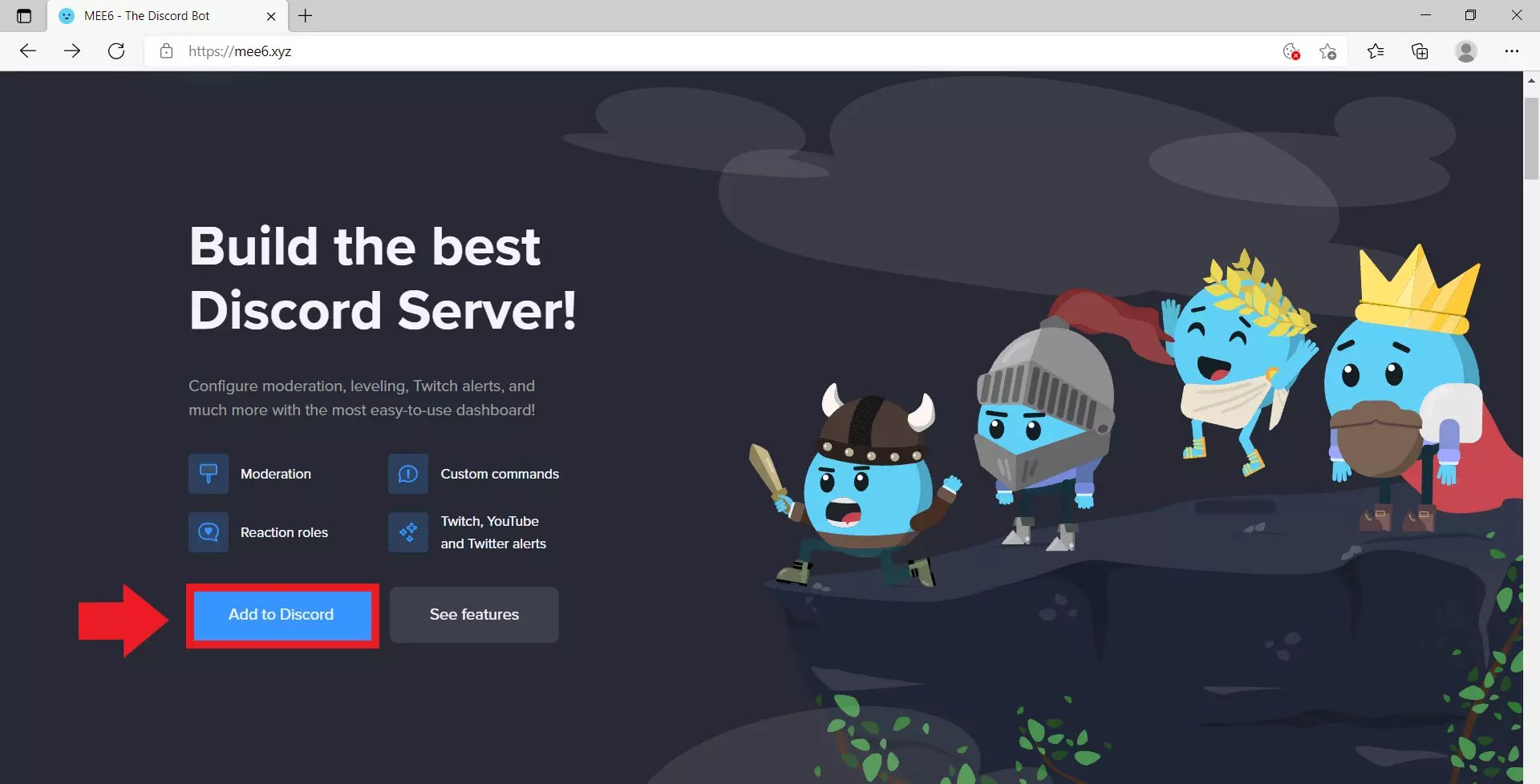
Step 2: Click ‘Add to Discord’, log in with your Discord credentials, and select the appropriate server you wish to add the bot to.
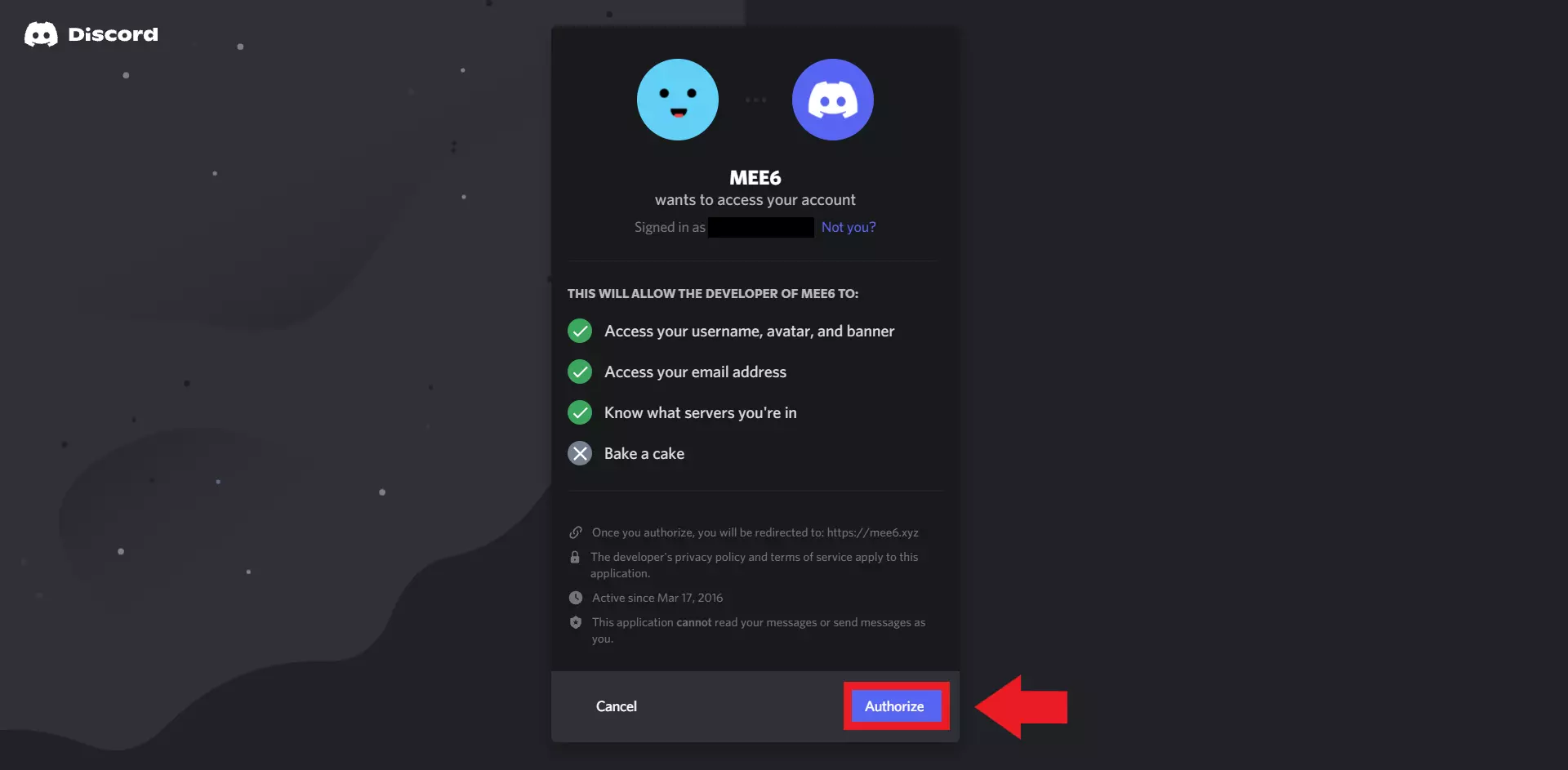
Step 3: Confirm the appropriate server permissions for MEE6 and add the bot by clicking ‘Authorize’. Once MEE6 appears in your server, you can customise its functions as required, using predefined or custom bot commands.
Reviewer

Christian Heldmaier
Christian Heldmaier is an experienced online marketing and SEO specialist from Karlsruhe. He has been working as an SEO Manager at IONOS since July 2020.